Live Examples
Ribbon Bar Sample Applications
The following sample applications demonstrate the powerful features that are available with Codejock Ribbon Bar components.
Use these Ribbon samples to review Office-style command UI, galleries, tabs, groups, and source-code patterns in working demo applications.
Available Samples
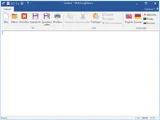
Ribbon Sample
The Ribbon sample demonstrates most common basic and advanced Ribbon features. You will see how to use themes, add tabs to the ribbon, add groups to the tabs and add items to the groups, use item reduction, use Quick Access Toolbar and create ribbon customization, create and use backstage and various ribbon controls. This sample also features new DPI independent vector icons in XAML format. Using such icons will ensure consistent and crisp look of your Ribbon based application on any screen, in any resolution and any DPI scaling.
Sample Uses:Command Bars, Ribbons (Command Bars)
RibbonSample.zip
Size: 12 Mb
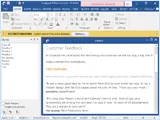
Ribbon MDI Sample
The Ribbon MDI sample demonstrates how to incorporate an Office 2007 style ribbon in a MDI application. You will see how to add a tabbed MDI interface using the Ribbon, add new windows to the MDI application, arrange MDI icon, switch windows, and use print preview mode with the Ribbon.
Sample Uses:Command Bars, Ribbons (Command Bars)
RibbonMDISample.zip
Size: 9.67 Mb
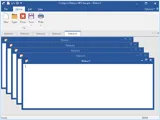
Ribbon Controls
The Ribbon Controls sample demonstrates how to incorporate all of the available controls provided with the Ribbon.
Sample Uses:Command Bars, Ribbons (Command Bars)
RibbonControls.zip
Size: 9.68 Mb
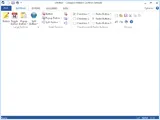
Ribbon Resource
The Ribbon Resource sample demonstrates how to skin the Ribbon using external resources such as a DLL.
Sample Uses:Command Bars, Ribbons (Command Bars)
RibbonResource.zip
Size: 5.01 Mb
Ribbon Multi-Language
This sample demonstrates how to add localization to your Ribbon driven application. You will see how to switch Ribbon language in one click as well as how to enable both Left-To-Right and Right-To-Left reading modes for your Ribbon.
Sample Uses:Command Bars, Ribbons (Command Bars)
MultiLangRibbon.zip
Size: 9.72 Mb